

Alternatives to happy oyster
Happy Oyster AI enables users to create immersive worlds, wander through them, and direct interactive stories in real-time.
Explore 20 alternatives to happy oyster. Compare features, pricing, and find the best fit for your needs.

Goshortsai
Turn photos into AI videos for free with Goshortsai. Sign in daily to get free credits, upload an image, and generate videos.
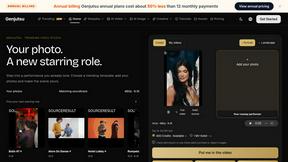
Genjutsu
Explore runway, dance, music and object video templates. Compare source and remix examples, upload your reference photos and create a new version.
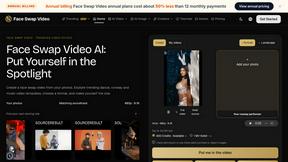
Face Swap Video
Create a face swap video from your photos. Explore trending dance, runway and music video templates, choose a format, and make yourself the star.

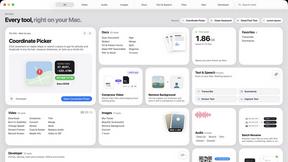
Toolbox
96 private Mac tools in one app: compress video, sign PDFs, remove backgrounds, transcribe. Offline, no account, pay once.
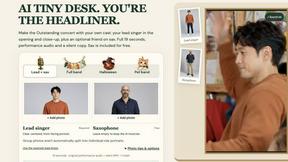
AI Tiny Desk
Make a 19-second desk-concert video with lead and sax, full band, Halloween or pet-band modes; audio and silent MP4.
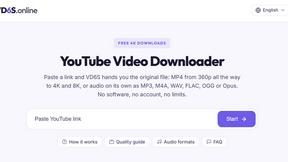
VD6S
VD6S is a free online YouTube video downloader that supports HD, 4K and up to 8K downloads. Save videos in MP4 or audio in multiple formats.
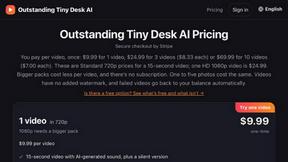
Outstanding Tiny Desk AI
Upload photos of you and up to 4 friends and get a 15-second Outstanding Tiny Desk AI video with AI-generated sound, in 9:16 for TikTok and Reels.

Tip Toeing in My Jordans
Upload a photo and get a 12-second Tip Toeing in My Jordans video: you play the AI Rumpelstiltskin, a friend can play the woman in the hay.
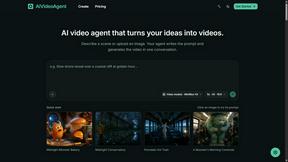
AIVideoAgent
AIVideoAgent helps you animate reference images for design projects, in a browser-based creative workspace.

Dola AI
Freemium AI creative studio: generate images and videos, edit photos and films, compose 3D scenes, and work with docs, sheets, slides and PDFs.
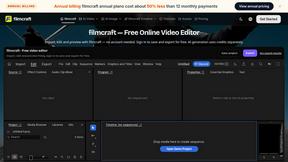
filmcraft
Free online video editor in your browser: import, color, audio and preview with no account. Optional AI tools use credits.
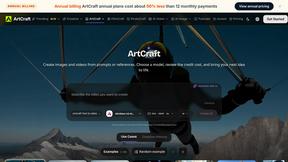
ArtCraft
Browser creative studio for images, video and 3D: compose, edit, stage scenes and organize references. AI generation uses credits.
GenX
All-in-one AI workspace to generate images, videos, and audio with multiple leading AI models.
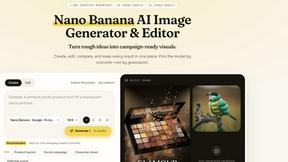
Nano AI
Create and edit AI images, generate videos, and compare models in one creative workbench.
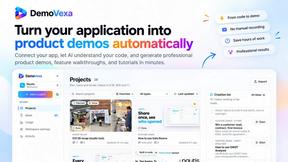
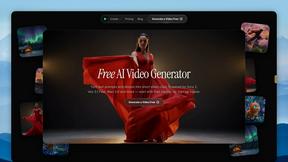
FreeVideoGenerator
Free AI video generator: turn text prompts and photos into video clips with Sora 2, Veo 3.1, Wan and more. Free starter credits, no watermark download
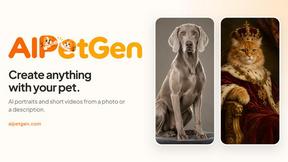
AIPetGen
AIPetGen turns a photo of your dog, cat, or other pet, or a written description, into a new picture or a short animation.
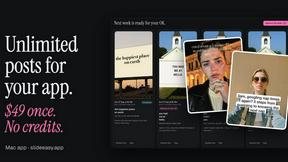
Slide-Easy
A Mac app that turns your App Store link into a week of Instagram Reels and carousels, written from your real reviews.
About happy oyster Alternatives
Happy Oyster is an innovative AI video platform designed for creators who seek to have intentional control in their video production. It falls within the category of interactive AI video tools, offering unique features such as Director Mode and Wander Mode, which allow users to create videos with precision while also exploring immersive 3D environments. This platform caters to a variety of professionals, including marketers, e-commerce businesses, and artists, helping them streamline their creative processes and enhance their output. Users often seek alternatives to Happy Oyster due to varying needs such as pricing structures, specific features, or compatibility with their existing workflows. Factors such as ease of use, the flexibility of creative controls, and the ability to generate high-quality outputs are essential when considering alternatives. Additionally, potential users should evaluate the level of customer support, the availability of educational resources, and any restrictions on usage rights, ensuring that the chosen platform aligns with their project goals and creative vision.
FAQs about happy oyster Alternatives
What is happy oyster?
Happy Oyster is an independent AI video platform that allows creators to produce high-quality interactive videos with a focus on intentional direction. It offers features like Director Mode for structured video creation and Wander Mode for exploring AI-generated 3D environments.
Who is happy oyster for?
Happy Oyster is designed for a wide range of users including marketers looking to quickly generate video drafts, e-commerce businesses wanting to animate product photos, and creators and artists who need to prototype and block scenes effectively.
Is happy oyster free?
Yes, Happy Oyster offers a free start option that provides users with 100 credits upon sign-up without requiring a credit card. This allows new users to explore the platform and its features without any initial financial commitment.
What are the main features of happy oyster?
The main features of Happy Oyster include two distinct modes: Director Mode for structured video creation with customizable settings, and Wander Mode for exploring immersive 3D worlds. The platform also supports reference images, real-time previews, and various export options to suit different project needs.